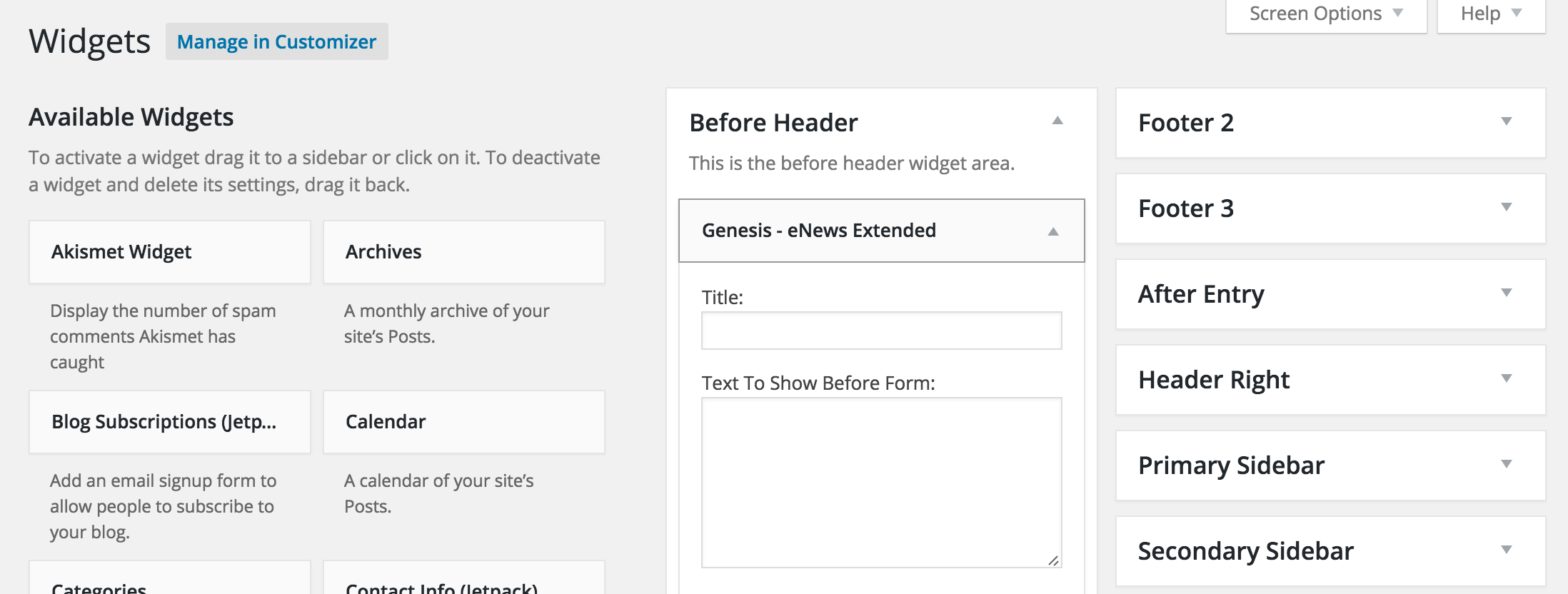
Previously, all instances of the widget would have the HTML ID of “subscribe” on the form element. This meant that if you had multiple instances on the same page, we were breaking HTML spec by having multiple elements with the same ID, which also wrecked total havoc for folks using screen readers and other assistive technologies. While I can’t recall a theme hitting that ID for styling, it is possible that someone was.
Genesis child theme authors should confirm their CSS is not targeting the form#subscribe node.
Other changes include:
- Add filters for text before and after form.
- Fixed form name to be valid HTML 4.
- Use https with Feedburner to prevent mixed content warnings on HTTPS sites.
- Minor code fix when MailPoet is not present.
- Adds `genesis-enews-extended-args` filter to allow plugins to manipulate the widget settings prior to output.
- Uses HTML 5 placeholders instead of JavaScript.
- Form ID now uses unique value.
This update has been a long time coming. Why the delay? In all honesty, I was aiming to add support for WPML in this release, but they toyed with me a bit too much, so I walked away. I had intended to cool off, then add WPML support, but the thought just kept me away from pushing out this update. In the end, I opted to let WPML slide and ship out what some folks have been waiting a long time to see on their sites.
Update: And due to a silly typo, 2.0.1 is out too. In 2.0.0, the Last Name field name was being used for the placeholder instead of the Last Name text label. I’m sorry, y’all.
Leave a Reply